
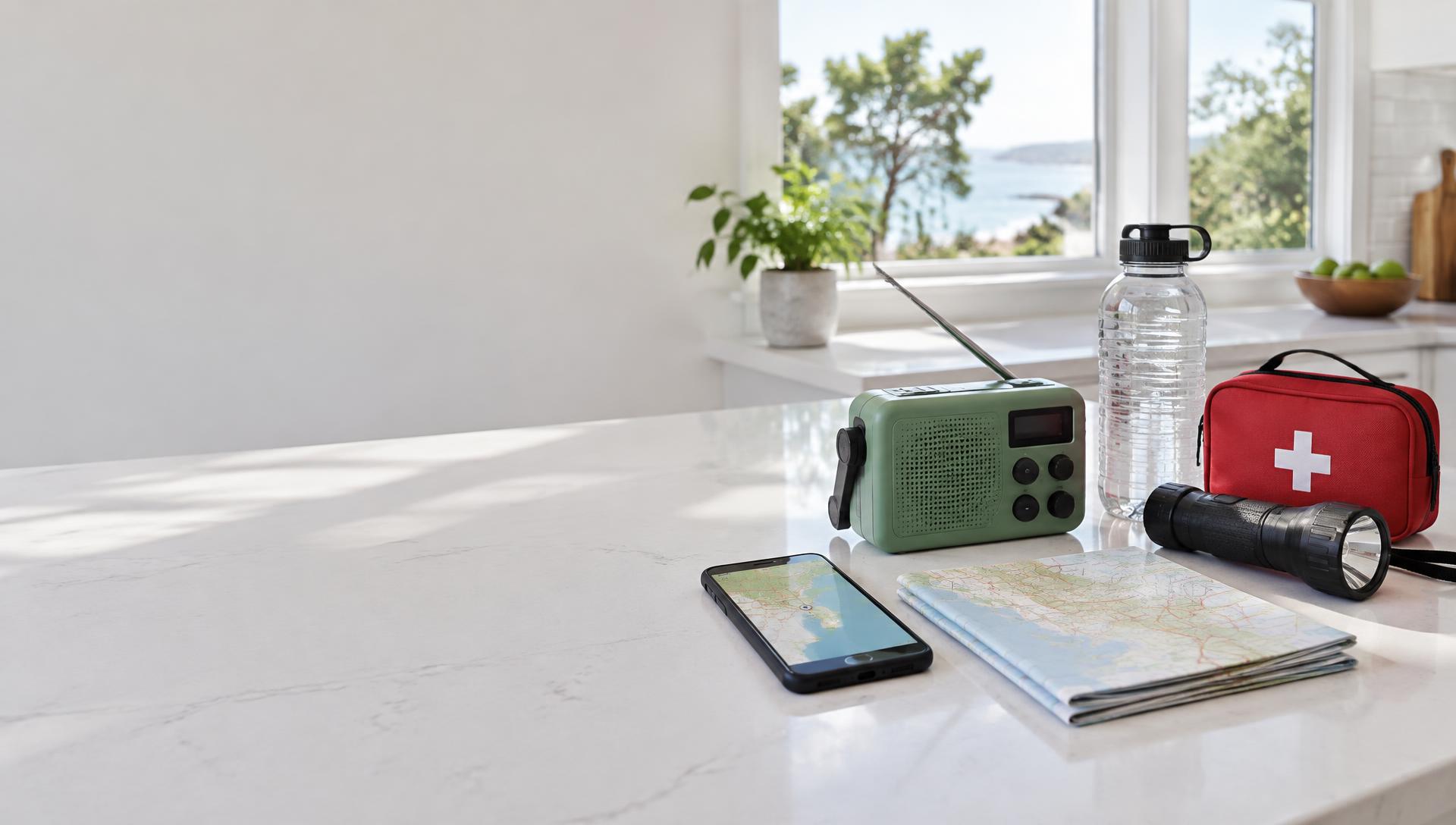
Your household. Prepared.
ClearOutpost
Know what’s happening.
Stay connected.
Official alerts, weather radio and your family’s emergency plan. One calm place to turn, before you need it.
Free Life-Safety Foundation. No account required.
Preparedness, without the overwhelm
A family emergency plan.
Not another thing to worry about.
Where would you meet? Who would you contact? What would you need if the power went out?
ClearOutpost brings those everyday questions together with official alerts, maps and practical references. Start small. Build a plan your household can return to, rather than leaving it scattered across messages, bookmarks and paper lists.
01
Choose the places that matter
Save home, school or a place you care about. Near me stays separate, so traveling doesn’t replace your saved places.
02
Put your family plan together
Keep important contacts, a meeting point and preparation tasks in one place. Decide how your household will check in.
03
Keep the essentials close
Record supplies, save useful manuals and prepare your device while connected. Export a backup you can keep separately.
Free forever · No account required
The Life-Safety Foundation
Your safety isn’t an upgrade. The essentials stay free, so your next step doesn’t depend on a subscription.
Know what’s nearby
Follow official weather, wildfire and earthquake updates. Watch up to three saved places plus Near me, with maps saved around your places for offline use.
Keep listening
Play available online stations and volunteer weather-radio streams. Keep real radio frequencies handy when internet is gone.
Have a family plan
Keep contacts, a meeting place and preparation checklists together. Open a ready-to-send text, or check in using compatible Meshtastic radios.
Know what’s happening
Official information.
A more useful local picture.
Weather, wildfire and earthquake updates belong alongside the places you care about. See the source, check the reported time and open an incident for more detail.
See the live overviewWeather alerts and advisories
Follow U.S. weather notices, including affected forecast zones when official boundaries are available.
Wildfire information and perimeters
See reported fire locations, size, containment and available official fire outlines. A location dot is not a fire boundary.
Earthquake reports
See reported earthquakes near saved places, with magnitude, location and event details from USGS.
ClearOutpost brings these sources together; it is not affiliated with these agencies. Coverage and reporting vary. Missing alerts are not an all-clear. Always follow local authorities and evacuation orders.
Offline readiness
A plan that stays.
Even when the connection doesn’t.
Prepare while you’re online. Add the app to your home screen, save your places and open the guides you need. Your saved information stays on that device, ready when the internet isn’t.
Maps around your places
Saved automatically when connected. Offline coverage is limited to the areas downloaded.
Guides and your own manuals
Keep saved references close, from family preparation to the equipment you rely on.
Contacts, supplies and checklists
Your local plan remains available. Export a backup for another layer of protection.
Fresh alerts, online radio and cloud sync still need internet. Radio messages require compatible hardware at both ends.
Honest about offline
What works when the internet doesn’t?
Offline readiness is about what you have already saved. Not a promise that a website can replace a connection.
Fresh official alerts
Online: With a connection
Offline: Previously saved information only
Maps around saved places
Online: View and save local areas
Offline: Downloaded areas only
Plans, guides and manuals
Online: Create, open and save
Offline: Saved on this prepared device
Online radio streams
Online: Play available streams
Offline: Use a separate battery radio
Household live check-ins
Online: Signed-in household members
Offline: Use text or compatible radio instead
Guide AI
Online: Online AI in early access
Offline: Compatible local model required
Prepare the published app while online and check your saved map coverage. Device storage can be cleared by the browser or operating system. Keep a separate backup and a paper copy of critical details.
Guide & AI
Your knowledge.
A clearer answer.
A survival AI system starts with information you can trust.
Built-in guides, your preparation records and searchable personal manuals give answers something real to draw from. Save a generator or engine manual. Ask about a task and find relevant passages, with sources you can check.
Explore guides & preparation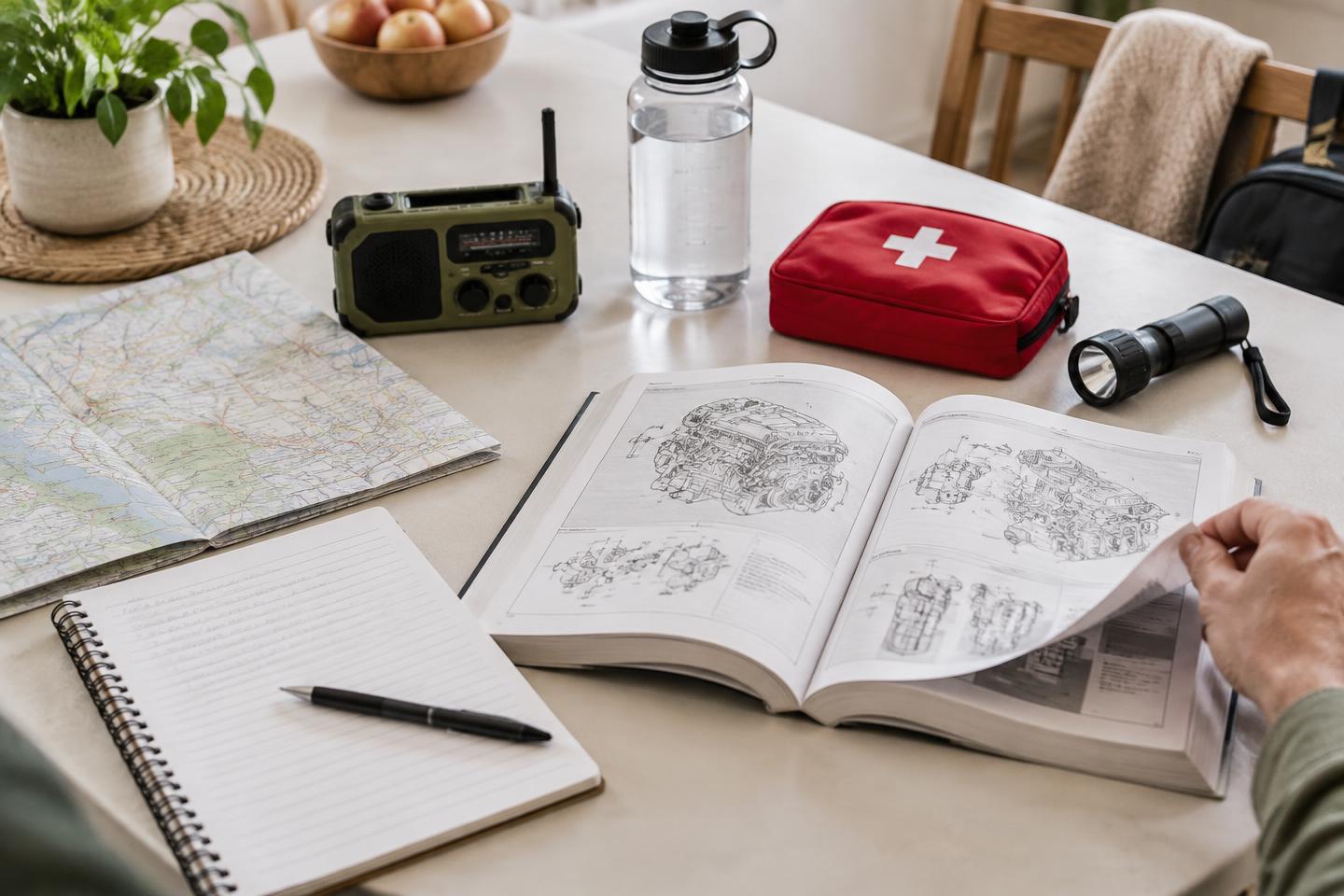
Read and prepare
Browse built-in references, track food, water and equipment, and keep personal manuals on your device. Reading saved guides does not require an AI model.
Ask about your material
AI searches relevant text from indexed manuals and saved preparation records. Text-based PDFs and documents can be searchable; scanned or image-only pages may not be.
Learn online. Prepare for offline.
Online AI is in early access. Internet research and easier local-model options are planned. Offline AI requires a compatible model downloaded on each device first.
Paid AI and manual-vault features are planned; allowances are not yet set. AI can be wrong. Check sources and follow manufacturer instructions or qualified advice.
Stay connected
“I’m safe” should have
a clear way to get home.
Different conditions call for different ways to check in. ClearOutpost keeps the choices clear, including what needs an account, a connection or a separate radio.
Your private household
Online · Sign-in required
Create or join a household with an invite code. Share a status with household members, not a public directory. Members need accounts and internet to see live updates.
A text to someone you trust
Phone Messages · No app account
Choose a contact and open a prepared message in your phone’s messaging app. You still tap Send. Carrier service is required; the recipient doesn’t need ClearOutpost.
A compatible off-grid radio
Meshtastic hardware required
Use supported Meshtastic radios when available. Hardware, setup and range matter. A received status is shown only when a radio acknowledgment comes back.
A check-in is not a request to emergency services. For immediate danger, call 911 or your local emergency number.
See check-in optionsUseful before you need it
Build readiness for real life.
A storm at home. A wildfire near a loved one. A trip with less reliable service. The same preparation can help in different situations.
Storms and power outages
Keep weather information, radio frequencies and a household checklist together. Save references for the equipment you own before you need to use it.
Wildfire and evacuation preparation
Watch places that matter, check official incident details and agree on a meeting point. Do not use a map outline as a substitute for an evacuation order.
Travel and changing locations
Use Near me for where you are now while keeping home and other saved places intact. Downloaded map areas do not automatically cover an entire trip.
Learning and equipment maintenance
Keep searchable manuals for a water filter, generator or engine alongside your supplies and tasks. Refer back to the manufacturer’s instructions before acting.
A free foundation. Room to go further.
Choose what your household needs.
Life-Safety Foundation
Free forever
Alerts, maps, radio, check-ins and saved guides. No account required.
Household
Free during early access
Sync your household’s plan across devices. A paid plan is planned for later.
Pro
Planned paid features
Online AI and future offline model options, with more room for manuals and preparation.
No checkout or charges today. Future prices and upload allowances are not yet set.
A few practical answers
Emergency preparedness,
made clearer.
What to save, what works offline and what stays free.
What should a family emergency plan include?
Start with the places you care about, important contacts, a household meeting point and a way to check in. Keep a preparation checklist, supplies and useful references close. Include each person’s needs and keep critical information available on paper as well as on your phone. ClearOutpost helps keep these records together; your local authorities’ guidance comes first.
Do I need to sign up?
No. Open the free app and start using it. An account is only needed for optional sync and live household check-ins.
What stays free?
The Life-Safety Foundation: official alerts, maps around your saved places, radio tools, text and compatible radio check-ins, guides and local backups. Optional paid features will add more, not take away the foundation.
Can I use it without internet?
Yes, on a device you’ve prepared. Add the app to your home screen and open the pages you need while online first. Only downloaded map areas and saved information are available offline. You cannot sign in on a new device without internet, and fresh alerts and streams need a connection.
Can AI work offline too?
On compatible devices, a local AI model can run after it has been downloaded. Each device needs its own model, and easier installation options are still planned. Saved guides and manuals can be read without installing AI.
Where do the emergency alerts come from?
U.S. weather notices come from the National Weather Service, earthquake reports from USGS, and wildfire information from NIFC’s WFIGS feeds. Coverage and update timing vary. Not every event has a mapped boundary or a notice, and ClearOutpost is not an official warning service.
Can I save a repair manual for AI to search?
Yes. Personal manuals are saved on this device. Documents with extractable text, including text-based PDFs, can be indexed for relevant passages. Scanned PDFs or photos may not be searchable yet. Cross-device manual storage and subscription upload allowances are planned, not available promises.
Do family check-ins automatically send text messages?
No. A text check-in opens your phone’s messaging app with a prepared message, and you tap Send. Live household status is a separate online option for signed-in members. Neither method contacts emergency services.
Will there be paid plans?
Yes. Household sync is free during early access, with paid Household and Pro features planned. Prices, manual-upload allowances and checkout are not yet set.
Does it replace official emergency services?
No. Always follow local officials, sirens and evacuation orders. Missing alerts are not an all-clear. Call 911 for an emergency.
A little preparation. A clearer next step.
Start with the people you care about.
Open the free Life-Safety Foundation. Save a place, make a plan and keep something useful ready for tomorrow.